
Packages Master & Left / Inactive Member Isolation
Master your membership plans, manage package renewals, and keep active member counts clean by isolating members who have left the gym.
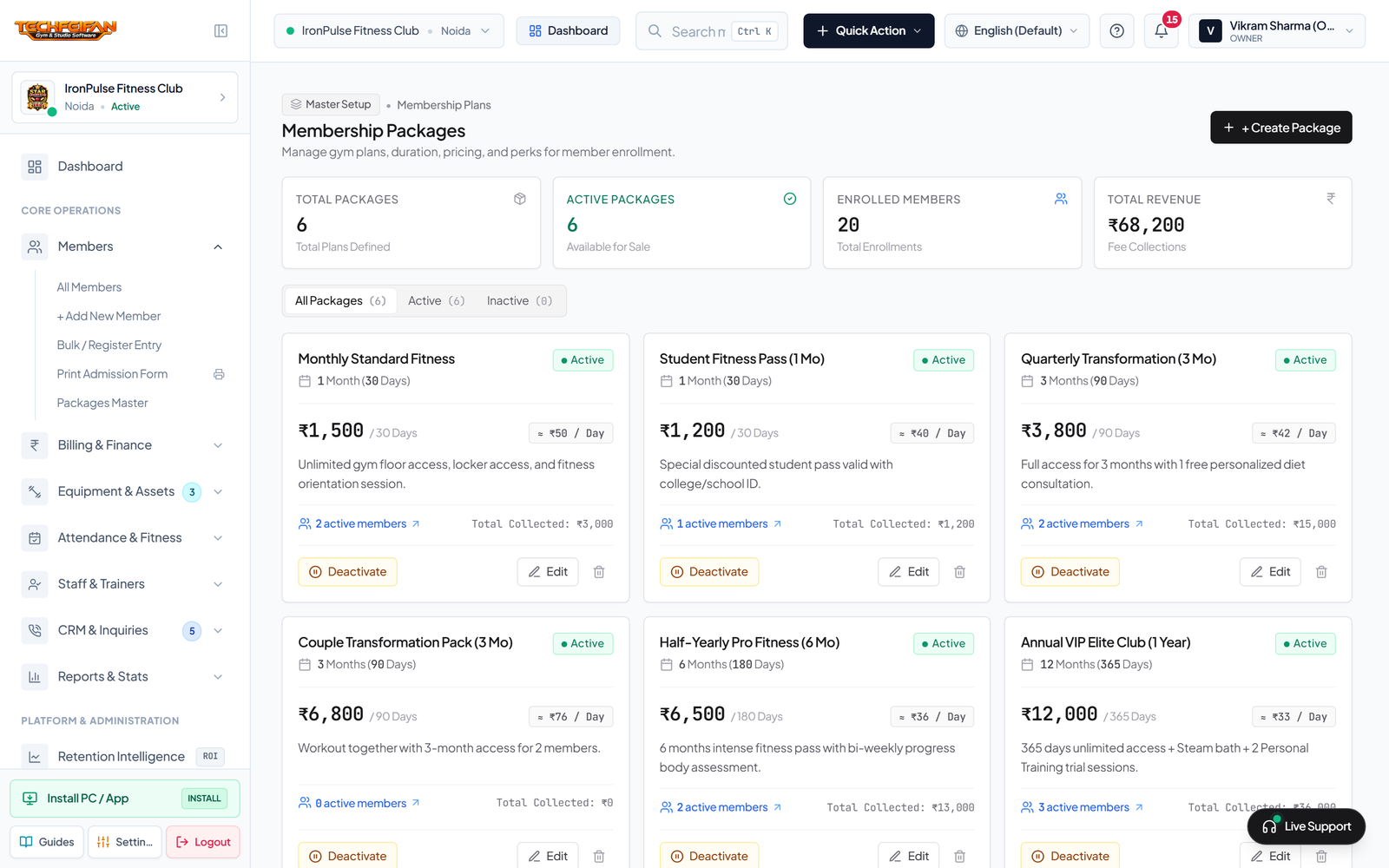
Step 1: Packages Master (Create & Edit Plans)
Open Members -> Packages Master and click + Create Package. Specify the Package Name (e.g. Couple Annual Plan, Student Special), Validity Duration in Days, Package Price, and Included Privileges.
Step 2: Soft-Delete Isolation for Inactive / Left Members
In accordance with the Zero Hard-Delete policy (Rule 11), members who relocate or discontinue are marked as Left / Inactive rather than deleted. They move to the Inactive Tab, keeping active KPI counters accurate while preserving complete financial audit histories. Re-activate anytime with 1 click.
