
Fee Collection, Partial Dues & GST/Thermal Receipts
Eliminate cash discrepancies and unpaid member balances with tamper-proof computerized billing, automated dues tracking, and instant digital receipt generation.
Step 1: Fee Jama Karna & Partial Due (उधारी) Tracking
Open Billing & Finance -> Fees & Invoices and click + Collect Fee. Select the member. If a member pays ₹2,000 via UPI towards a ₹3,800 package and promises to clear the remaining balance next week, enter `2000` in Paid Amount. The balance `₹1,800` automatically registers in the Dues Commitments Ledger with an agreed promise-to-pay date (Update 94).
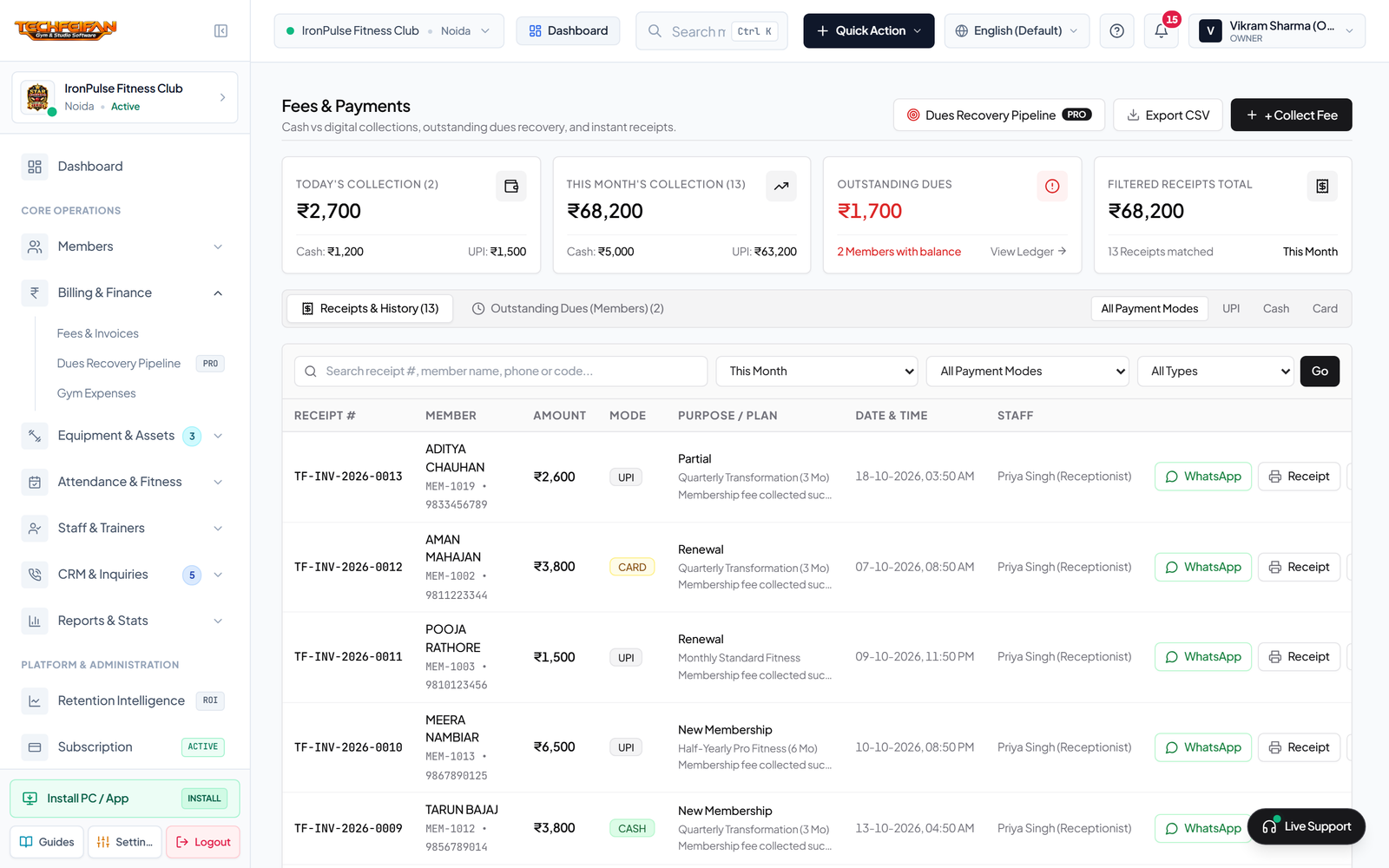
Step 2: Printable A4 Tax Invoice & 80mm Thermal Receipt
Beside any payment entry, click View Receipt. Generate an official invoice featuring your gym logo, GSTIN, unique sequence number (`TF-INV-YYYY-XXXX`), line-item tax details, and UPI payment QR code for either full-sheet A4 printing or compact 80mm thermal counter slips.