
Zumba, Yoga, Spin & CrossFit Slot Booking & Waitlist
Studio classes operate with fixed room capacity, yoga mats, or spin bikes. Techfeifan slot booking allows members to reserve their spots ahead of time, preventing overcrowding and instructor frustration.
Step 1: Schedule Studio Class & Enforce Max Capacity
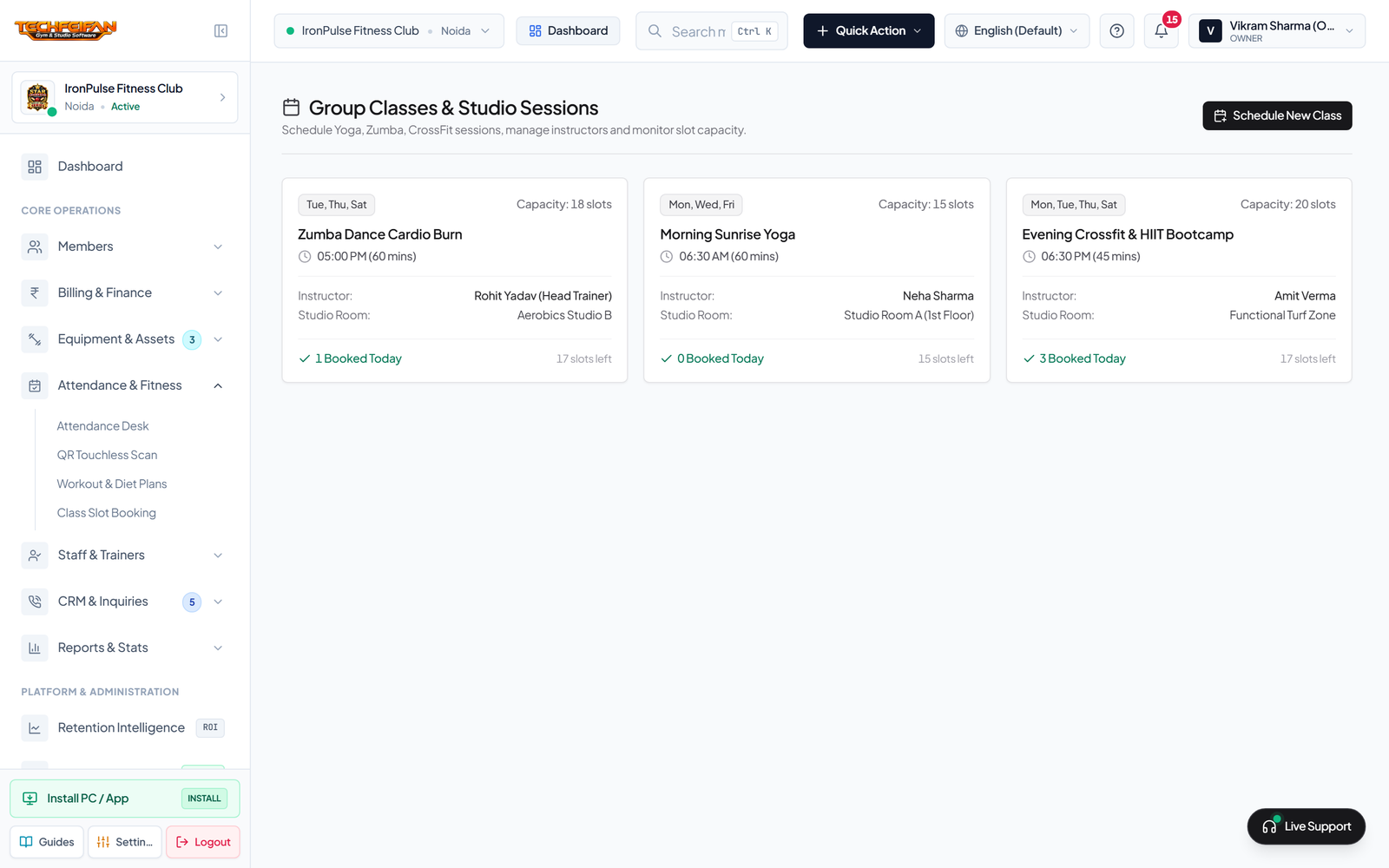
Navigate to Attendance & Fitness -> Class Slot Booking (`/classes`) and click + Schedule New Class. Specify the Class Name (e.g. *Evening Crossfit HIIT*, *Sunrise Power Yoga*), Lead Instructor, Start Time/Duration, Studio Hall, and set a hard Maximum Seat Capacity (e.g. 20 Slots).
Step 2: Live Mobile Booking, Auto-Waitlist & Instructor Roster
Members book slots directly from their smartphone Member Portal with 1 tap. Once 20 confirmed spots are filled, the next applicant is placed on the Automated Waitlist. If a confirmed member cancels, the #1 waitlisted member is automatically upgraded to Confirmed status. The trainer opens View Roster at session start to verify check-ins.